Web & Mobile
Growth & SEO
Not sure where to start? — Let's talk about your project.
Start a conversation

Greenboard - Magic Slate
A simple magical slate for everyone — draw, write, learn, colour and play, anytime, anywhere.
About the project
Year
2026
Updated
Updated Mar 2026
Downloads
500k+ Downloads
Category
Mobile App
A Magical Slate for Everyone
Greenboard offers a delightful, modern mobile learning experience — a simple magical slate for everyone. Draw or write anything on this digital, virtual greenboard with fun. Specially designed for people of every age group.
Write, Learn, Play & Colour
Write letters, alphabets and numbers, draw different art and colour them, and even play games by finger point. Easily erase the content by clicking the eraser/duster. Everyone can write, learn, play, colour and design with this simple, user-friendly slate.
Feel the Classroom
The same board and slate-pencil we learned on in school, college and class — now in your phone. Using this magical slate you feel like you are sitting in a classroom, writing letters on a greenboard with a real slate in your hand.
Built for Kids' Education
Children build the willingness to remember alphabets, digits and the little habit of writing while using their parents' cell phone — turning screen time into learning time.
Creativity & Practice
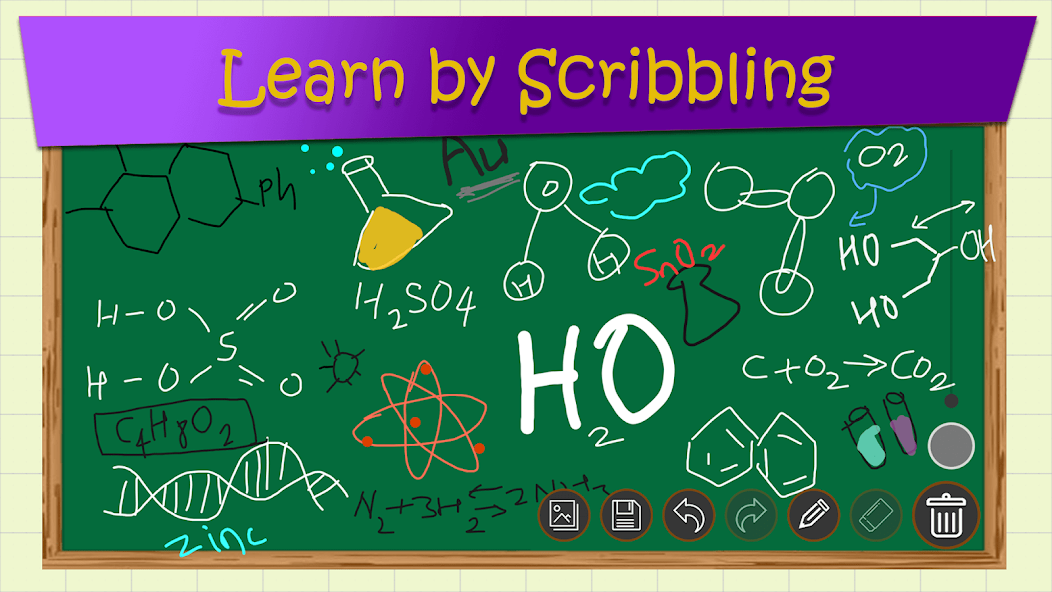
Children can draw and design their thoughts and ideas easily and colour them. Students can practice maths formulas, solve sums, learn tables, and prepare for MPSC, UPSC and all civil service exams on this magical slate.
No Markers, No Mess
Get rid of markers and erasing marks on clothes. Use Greenboard - Magic Slate on your tablet or mobile to practice and learn alphabets, numbers, and draw your thoughts on the slate — unleash your child's creativity.


What we built
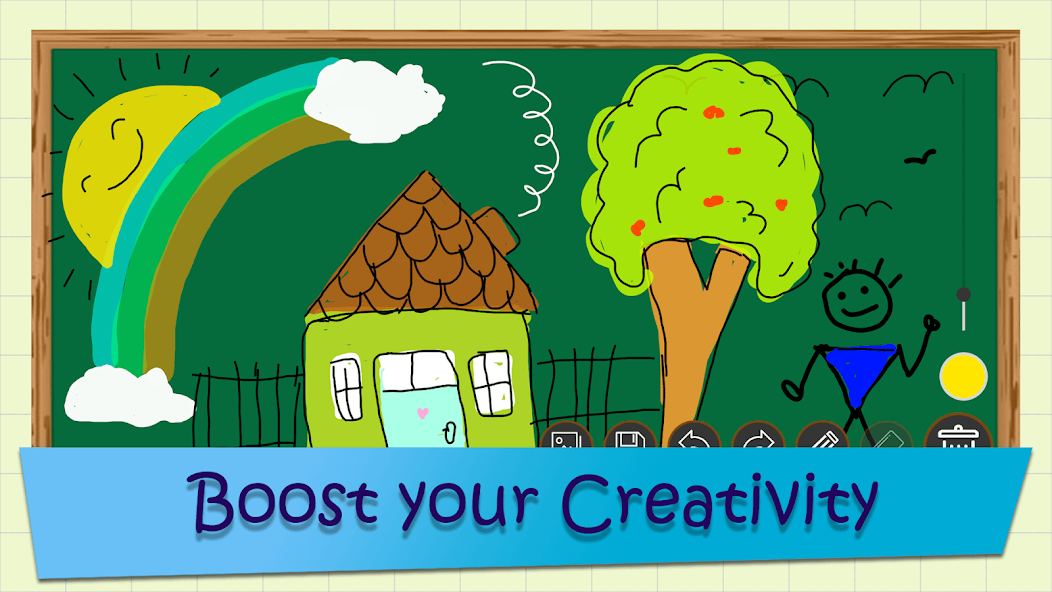
Draw, Write & Play
Write letters, alphabets, digits and barakhadi, draw any idea, colour your art, and play games like Tic Tac Toe — all on one magical slate.
Color Picker
Pick any colour shade to sketch and draw beautiful artwork on a simple, easy-to-use greenboard. Bring every idea to life in full colour.
Undo / Redo
Undo or redo your drawing steps with ease — reverse any effect and perfect your work without starting over.
Save & Gallery
Save your drawings, homework or signature for later, and view everything anytime in the in-app gallery for quick reference.
Share Anywhere
Share your saved drawings with friends on Facebook, Instagram, WhatsApp and more — or delete them anytime you like.
Works Offline
No internet connection required. The app is free for all, low in size, and fully usable offline — learn and create anywhere.
Realistic Blackboard
The first realistic blackboard on your mobile — feel like you're sitting in a classroom with a real slate in your hand.
Learn & Practice
Practice maths formulas, solve sums, learn tables, and prepare for MPSC, UPSC and civil service exams — a true first weapon for education.
Signature Maker
Generate your own signature right inside the app and save it to memory for a long time — a handy tool whenever you need it.
Parents & Kids Together
Parents can play with their kids on the magical slate and teach them — turning everyday screen time into meaningful learning time.
Built-in Games
Play different games on the magical slate like Tic Tac Toe and more — fun activities that keep kids engaged while they learn.
Simple for All Ages
A clean, user-friendly UI with a low app size and easy controls — designed so everyone, from toddlers to seniors, can use it instantly.
The work
 Draw
Draw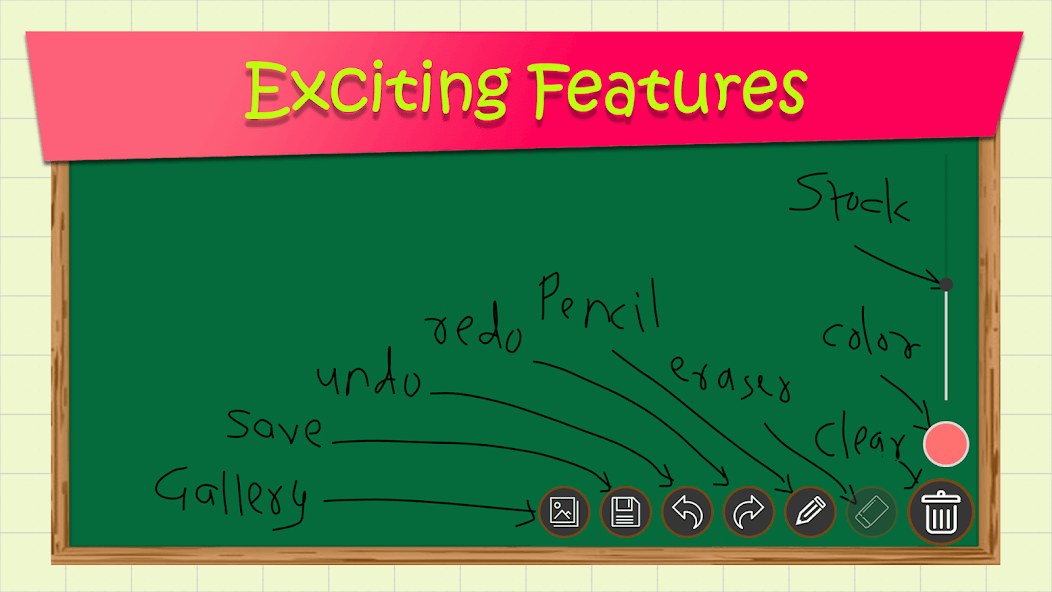 Features
 Learn
Learn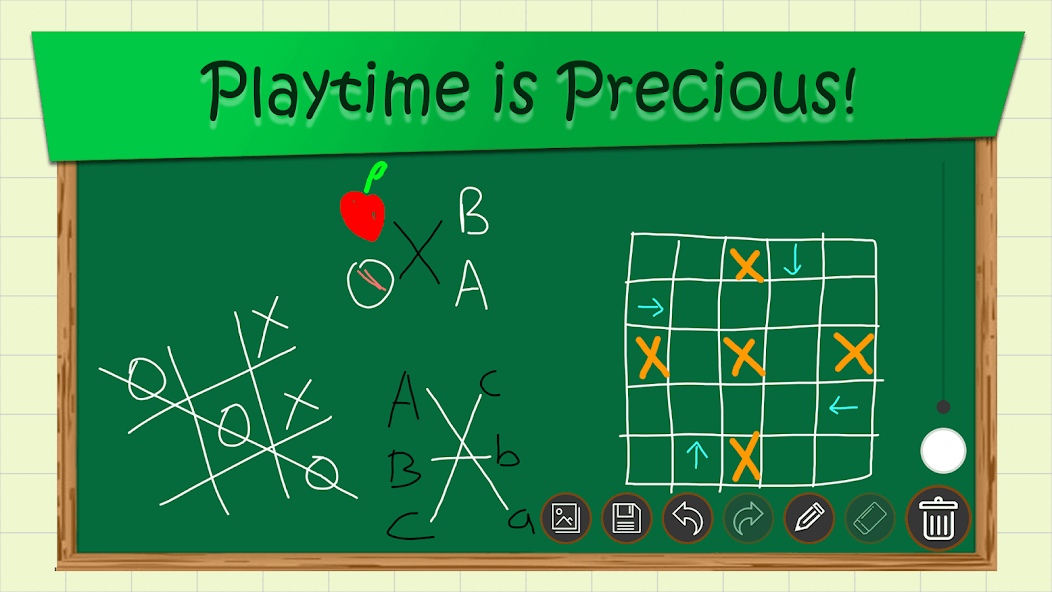 Play
PlayGet started in seconds
01
Open the Greenboard | Magical Slate app.
02
Start writing alphabets and numbers, or draw anything by dragging your finger on the slate.
03
Save your drawings and homework, and view them anytime in the gallery to share with friends.
04
Tap the eraser / duster icon at the bottom-right corner to erase your writing on the slate.
Frequently Asked Questions
Greenboard is a digital, virtual magical slate where you can draw, write, learn, colour and play. It's a simple chalkboard app designed for people of every age group.
Yes, it's completely free for all, low in app size, and available on Android devices via the Google Play Store.
No. Greenboard works fully offline — no internet connection is required to draw, write, learn or play.
Yes. You can save your drawings, homework and even your signature, view them in the in-app gallery, and share them on Facebook, Instagram, WhatsApp and more.
Absolutely. Kids build writing habits and creativity, while students can practice maths formulas, learn tables and prepare for MPSC, UPSC and civil service exams.
Drawing is unforgiving — any lag between finger and line is immediately obvious. We render the canvas natively and keep the touch path off the main work, so it stays responsive on entry-level Android hardware, not just on flagships.
Mostly discipline about size and device range. The app stays small, works offline, and was tested across a wide spread of screen sizes and Android versions — because at that scale, most of your users are not on new phones.
Yes — Android development in Kotlin and Java is core work for us, including apps that need to perform well on budget devices and across the huge range of Android screen sizes.
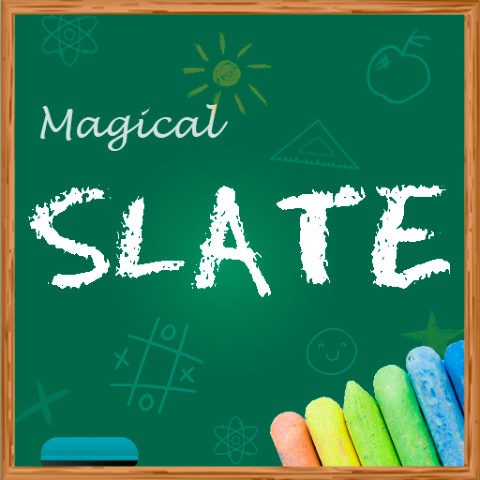
Greenboard - Magic Slate
â 3.8 · 894 reviews · 500k+ downloads
Play now
Try it yourself — it's free!
Download Greenboard - Magic Slate on Google Play and unleash your creativity on a digital magical slate.
Get it on
Google Play
Start your next
big project.
Have an idea or a challenge? Tell us about it — we'll get back to you within 24 hours with a clear plan forward.
Send us a message
Fill in the details below